Guides
Player ESP Settings: What to Enable First
Start with players plus a distance cap. Full-screen rainbow ESP is noisy and easier to notice in clips.
6 min read
Start conservative
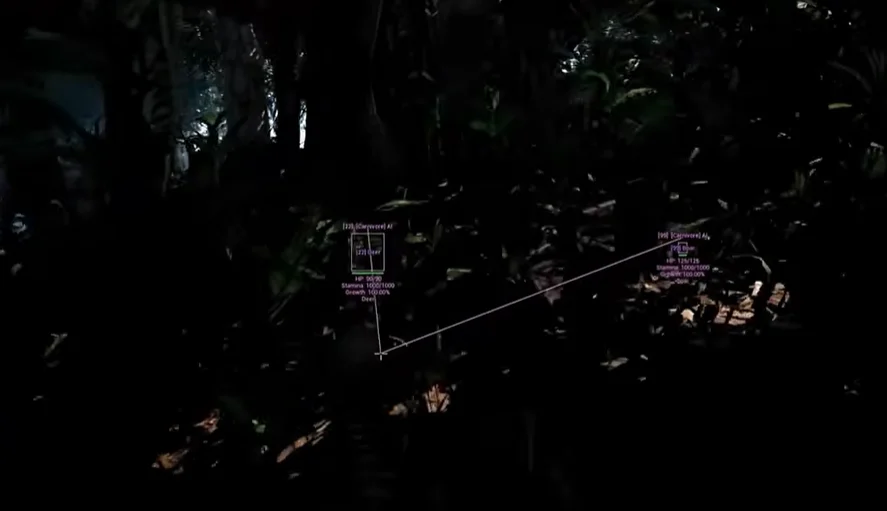
Enable player ESP with boxes or skeletons first. Add names and health after you are comfortable. The Isle foliage already hides threats — clutter makes it worse.
Confirm Status is green before you tune. Settings do not fix a broken build after a patch.
Distance and colour
Cap distance so labels do not cover half the screen. Muted colours read more natural in recordings than neon defaults.
If squad mates say the overlay looks loud, dial colours down before you add entity ESP.
What to add later
Add entity information for species you hunt or avoid. Pair with radar configs when you want off-screen awareness.
Full module list: Features.
Ready to play smarter?
Get The Isle cheats online
Check live status on Status, compare pricing, then buy Isle Cheats for The Isle on buyislecheats.org. Need help? Read support or player reviews.